How do I take a picture and ask AI about it?
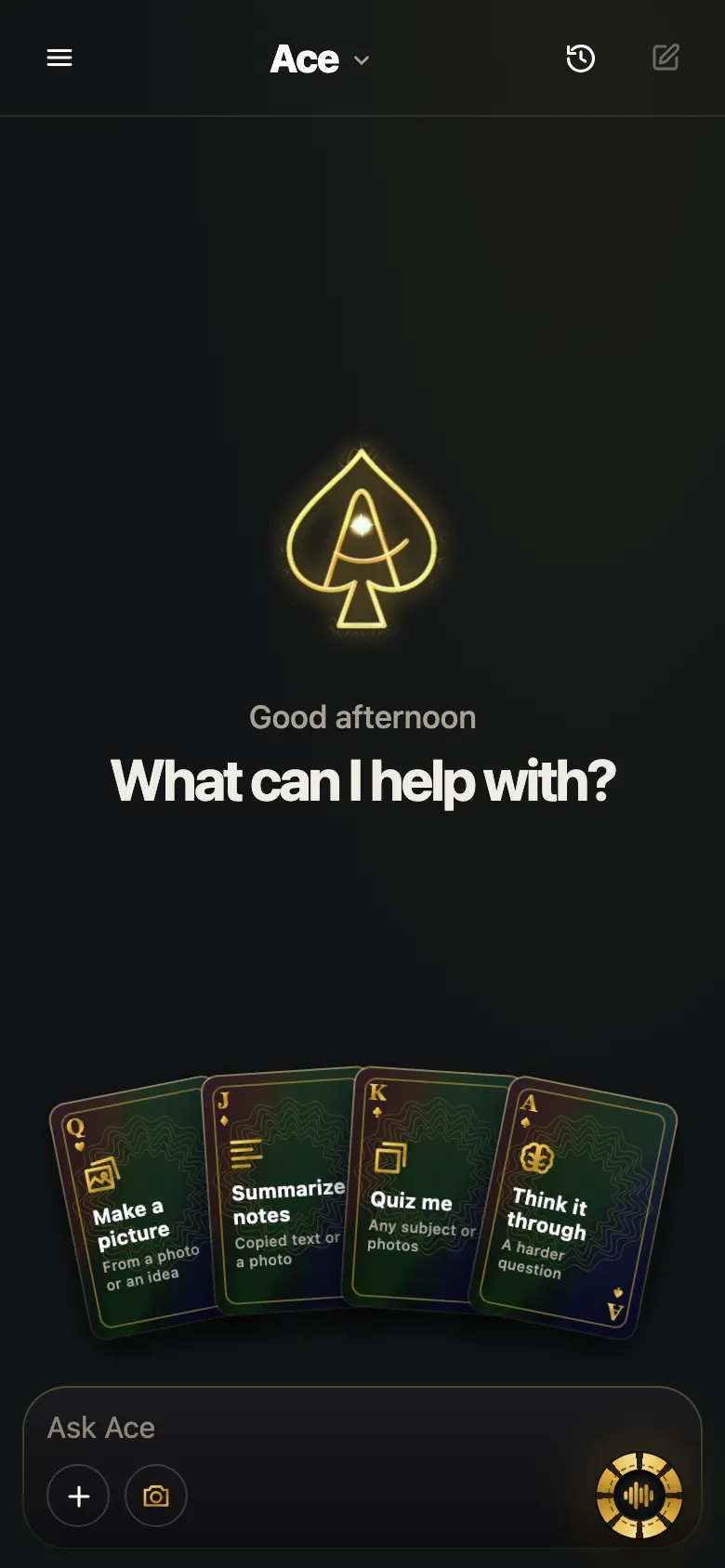
Open an AI assistant that accepts photos, allow the camera, take the picture and ask your question. With Ace Mobile, which runs in your phone’s browser, you sign in, tap Add, take a photo or choose one you already have, then ask out loud or type. If the camera will not open, the browser’s camera permission is usually switched off; the fixes for Safari and Chrome are below.
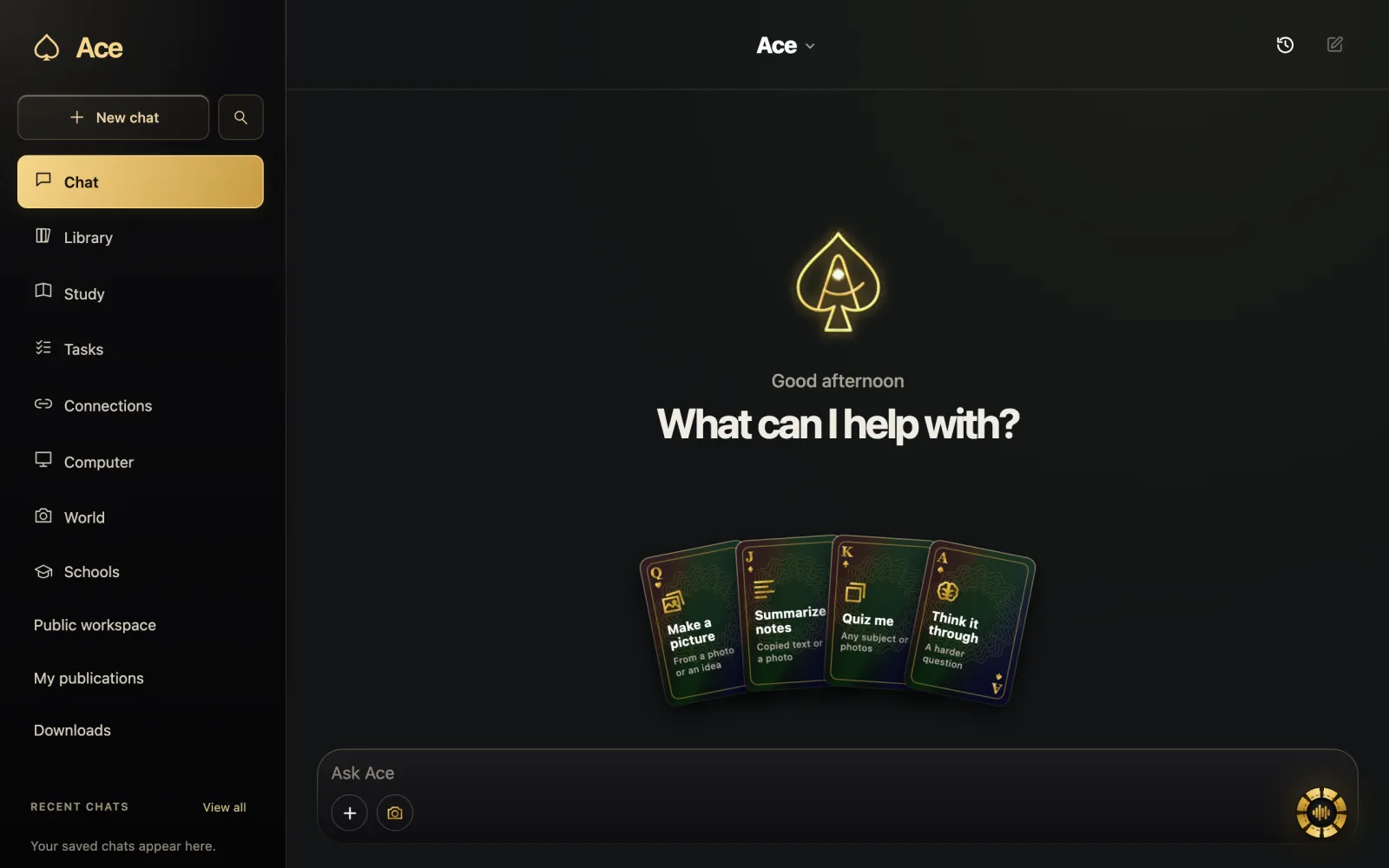
Compare camera and desktop screen examples if the object is already on your monitor. A screenshot avoids the glare and skew of a photo.

Free Play: 2,000 credits, no card. Ace by Black Label.

Step by step with Ace Mobile
- Open Ace Mobile in your phone’s browser and sign in with Google or your email; Ace emails a secure link, so there is no password.
- Tap Add.
- Allow the camera when the browser asks; this happens the first time.
- Take a new photo, or choose one already on your phone.
- Ask your question out loud or type it.
- Follow up without starting over: “what does the small print say?”, “explain step two”.
If the camera will not open
Safari on iPhone
Open the Settings app, tap Apps, then Safari, then Camera, and choose Ask or Allow. To change it for one website only, open the site in Safari, tap the page menu button, tap Website Settings, and change Camera there.
Chrome on Android
In Chrome, tap More, then Settings, then Site settings, then Camera. Make sure sites can ask to use the camera; if the site is listed under Blocked, tap it and choose Allow. If Chrome itself has no camera permission, open the phone’s Settings app, tap Apps, choose Chrome, tap Permissions and allow the camera.
These steps are Apple’s and Google’s own instructions, and they apply to any website that asks for the camera.
What to point it at
| Point it at | Ask |
|---|---|
| A textbook or worksheet page | “Explain the method in this example, step by step.” |
| Instructions or a label | “What do I need to do first, and what should I avoid?” |
| A sign or menu in another language | “Translate this, and tell me what the dishes are.” |
| A chart or slide at a talk | “What is the main point of this slide?” |
| A paper form you are filling in | “Which boxes do I still need to fill?” |
| An appliance display showing an error code | “What does this code usually mean?” |
Asking “what is this?”
AI is often good at naming common objects, and it gets more dependable when there is text to read: a brand, a model number or a label is a better clue than a shape. It can still be wrong, and it can sound just as sure when it is. For mushrooms, wild plants, pills, insects that bite or sting, and anything else where a mistake could hurt someone, do not rely on an AI identification.
A photo the AI can use
Hold the phone with both hands and step closer instead of zooming in. Avoid shooting toward a bright window or a lamp, which turns the subject into a silhouette. If the answer shows that the AI misread something, a second, closer photo usually fixes it faster than arguing with the first one.
Other phone assistants with a camera
Several assistants accept a photo or a live camera. Google’s Gemini help, for example, describes tapping Camera during a Gemini Live chat on Android to show Gemini what you see, and Microsoft’s Copilot help describes using the phone’s camera with Copilot’s vision feature in its mobile app. Their requirements differ, so check each provider’s pages. This guide is written by the team that makes Ace.
What leaves your phone
With Ace Mobile, the photo you take or choose and your question go to Ace’s services and the AI provider that answers; Ace’s privacy policy names OpenAI as the provider for pictures you choose. Camera access belongs to the browser, and you can withdraw it with the settings above. On an iPhone, a green indicator appears whenever the camera is in use, so you can always tell when it is on.
More from Ace
The full overview of how Ace helps with your screen is on tryacee.com/ai-on-screen.
Also asked
Do I need to install an app?
Use Ace in your phone’s browser with the same account and balance as the desktop app. If you prefer an app, get Ace BL for iPhone and iPad from the App Store.
Can I use a photo I already took?
Yes. After tapping Add, choose the photo instead of opening the camera.
Can I ask out loud?
Yes. Ace Mobile has voice in the browser, so you can say the question instead of typing it.
How much does a photo question cost?
It comes out of the same balance as everything else. Free Play starts with 2,000 credits and no card, and pictures use credits like voice and text do.
Why won’t my iPhone camera open when I try to take a picture for AI?
Usually because the browser’s camera permission is switched off. If you use Safari, open the Settings app, tap Apps, then Safari, then Camera, and choose Ask or Allow. The first time you tap Add in Ace Mobile, allow the camera when the browser asks. These are Apple’s own instructions, and they apply to any website that asks for the camera.
How do I allow the camera for just one website in Safari?
Open the site in Safari, tap the page menu button, tap Website Settings, and change Camera there. That changes the setting for that one website only. Camera access belongs to the browser, so you can withdraw it later with the same settings.
How do I unblock the camera for a website in Chrome on Android?
In Chrome, tap More, then Settings, then Site settings, then Camera, and make sure sites can ask to use the camera. If the site is listed under Blocked, tap it and choose Allow. If Chrome itself has no camera permission, open the phone’s Settings app, tap Apps, choose Chrome, tap Permissions and allow the camera.
Do I need a password to sign in to Ace Mobile?
No. Open Ace Mobile in your phone’s browser and sign in with Google or your email; Ace emails a secure link, so there is no password. After you sign in, tap Add, allow the camera the first time the browser asks, and take a new photo or choose one already on your phone.
Can I photograph a menu in another language and ask AI to translate it?
Yes. Point the camera at the sign or menu in another language and ask: “Translate this, and tell me what the dishes are.” Then follow up without starting over, for example “what does the small print say?” For instructions or a label, try “What do I need to do first, and what should I avoid?”
Can I take a picture of an appliance error code and ask what it means?
Yes. Point the camera at the appliance display showing the error code and ask “What does this code usually mean?” You can follow up without starting over. If the fix involves electrical work, treat the answer as a guess and ask a qualified person, because a wrong answer there could hurt someone.
How can I tell when my iPhone camera is in use?
A green indicator appears whenever the camera is in use, so you can always tell when it is on. With Ace Mobile, camera access belongs to the browser and you can withdraw it there. The photo you take or choose goes with your question to Ace’s services and the AI provider, which the privacy policy names as OpenAI.
Should I zoom in when taking a photo for AI?
No. Hold the phone with both hands and step closer instead of zooming in. Avoid shooting toward a bright window or a lamp, which turns the subject into a silhouette. If the answer shows that the AI misread something, a second, closer photo usually fixes it faster than arguing with the first one.
Which other phone assistants let you take a picture and ask questions?
Several assistants accept a photo or a live camera. Google’s Gemini help describes tapping Camera during a Gemini Live chat on Android to show Gemini what you see, and Microsoft’s Copilot help describes using the phone’s camera with Copilot’s vision feature in its mobile app. Their requirements differ, so check each provider’s pages. Ace Mobile runs in your phone’s browser.
More questions
Deal yourself in.
More about Ace
Sources
- Browse the web privately in Safari on iPhone - Apple Support, Apple Support. Checked November 14, 2026.
- Use your camera and microphone in Chrome - Android phone & tablet - Google Chrome Help, Google Chrome Help. Checked November 14, 2026.
- About the orange and green indicators in your iPhone status bar - Apple Support, Apple Support. Checked November 14, 2026.