What can Ace see?
The screen you are on when you ask: a page, a chart, code, a form or a confusing dialog. On iPhone, Ace Mobile looks through the camera instead, so a printed page counts.
When does it look?
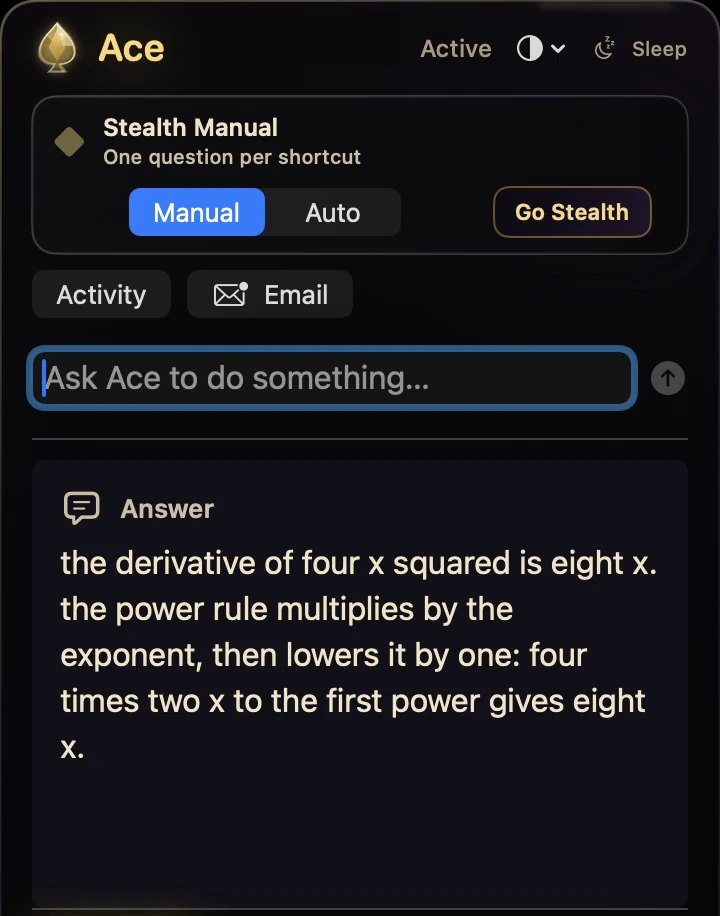
Only when you ask. Hold Ctrl + Shift on Windows, Command + Shift on Mac or your own hotkey on Linux, then ask out loud or type. Ace does not watch the screen all the time.
Can it see through my phone camera?
Yes. Ace Mobile on iPhone looks through the camera instead of the screen, on the same account and balance as your computer and the web.
How do I stop it from seeing?
Screen access goes through your operating system’s permission prompt, and you can switch it off there at any time. Microphone, files and app control each have their own switch too. You can also say “Turn off screen access.”
Does it keep a recording of my screen?
No. When you ask, Ace uses one frame of the screen you are on. Nothing is recorded, and it does not watch between questions.
Does it answer out loud?
Yes. Ace answers out loud in its own voice, and you can type instead of talking in the same conversation.
Which devices can it see on?
Windows 11 and 10, macOS 13 or later (Apple silicon or Intel) and Linux see the screen; Ace Mobile on iPhone sees through the camera.
Is the AI that sees free?
Yes, to start. Free Play gives you 2,000 credits with no card. Paid plans start at $20 a month.
Is there an AI that watches your screen?
Ace can see your screen, but it does not watch it all the time. When you ask, it uses one frame of the screen you are on, answers out loud, and nothing is recorded. It works on Windows, Mac and Linux, and Ace Mobile on iPhone looks through the camera instead.