Is there an AI that can see images and answer questions?
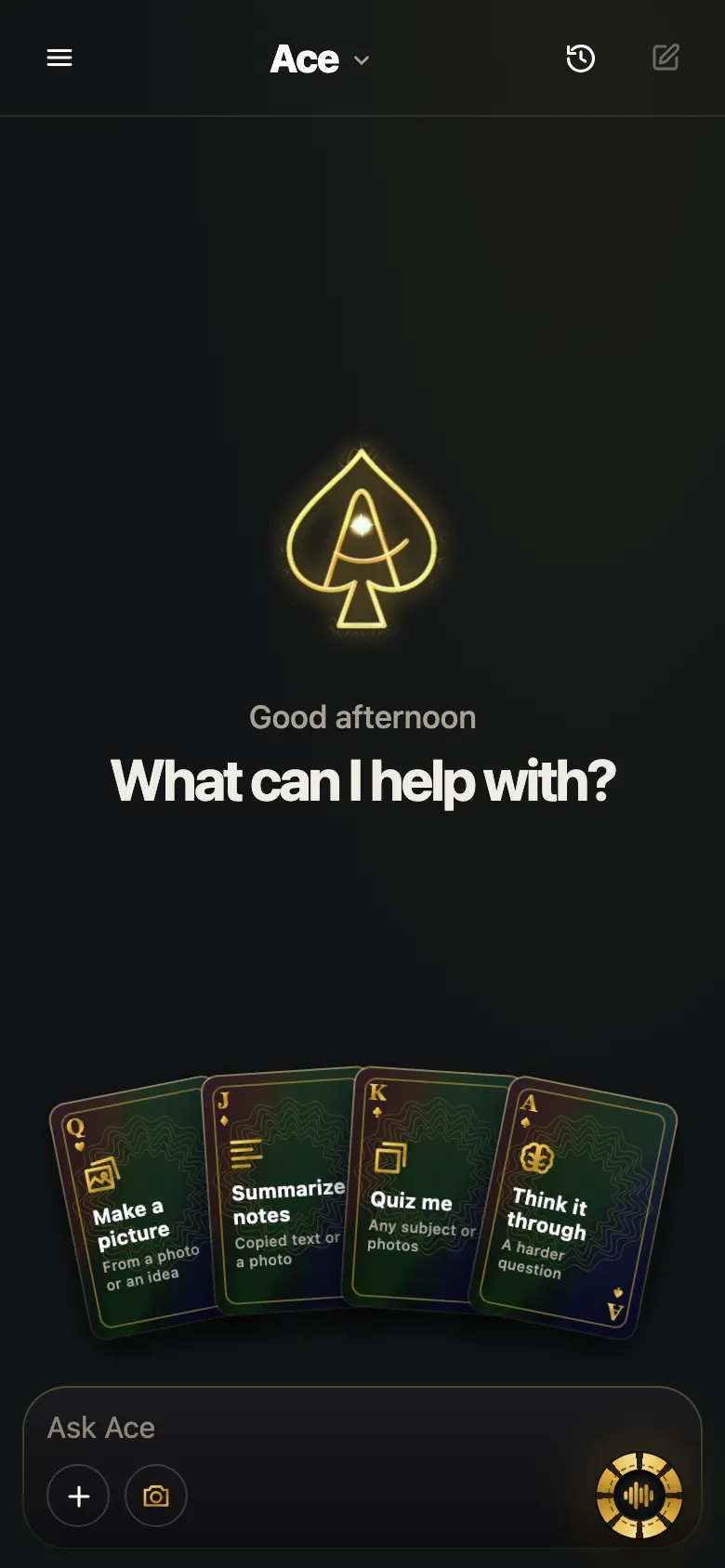
Yes. Choose a picture, ask about it, and the AI answers from what is in the image: its text, objects, charts and layout. In Ace Mobile you tap Add, pick a photo you already have or take a new one, then ask out loud or type. It reads clear text well and guesses at what it cannot make out, and every picture you choose is sent to the AI that answers.
The Ace BL for iPhone and iPad app also lets you take a photo or choose an image, then ask about it.

Free Play: 2,000 credits, no card. Ace by Black Label.
Pictures it is useful for
- Screenshots saved on your phone: an error message, a confusing bill, a set of directions.
- Photos of printed pages, worksheets and notes you took earlier.
- Pictures people send you: a flyer, a menu, a document photographed at an angle.
- Product photos: the label, the ingredients list, the instructions on the back.
- Slides and whiteboards you photographed in a class or a meeting.
What to ask, and when it works
| Ask | Works well when | Watch out for |
|---|---|---|
| “What does this say?” | The text is sharp and big enough to read | Tiny print and decorative fonts |
| “Explain this chart.” | The axis labels and legend are in the picture | Cropped legends and unlabeled axes |
| “What is wrong in this screenshot?” | The whole message is visible | Text cut off at the edge |
| “What is this?” | It is a common, clearly shown object | Rare items and lookalikes |
| “Summarize this slide.” | The slide fills most of the photo | Glare from the projector |
The pattern is simple: the AI does well with what a careful person could read from the same picture, and it fills gaps with guesses when the picture runs out.
Asking about a photo in Ace Mobile
- Open Ace Mobile in your phone’s browser and sign in with Google or your email.
- Tap Add, then choose a photo you already have or take a new one.
- Ask your question out loud or type it.
- Follow up without starting over: “what about the second line?”, “say it more simply”.
Screenshot or photo of a screen?
When the thing is on your phone, take a screenshot rather than photographing the phone with another device: a screenshot has every pixel sharp, no glare and no angle. A photo of a computer monitor usually reads worse than a screenshot of the same thing, because of reflections, moiré stripes and tilted text. If you have to photograph a screen, turn the brightness up, shoot straight on and fill the frame with the part that matters. Compare screen frames and phone photos for visual AI.
Pictures already on your computer
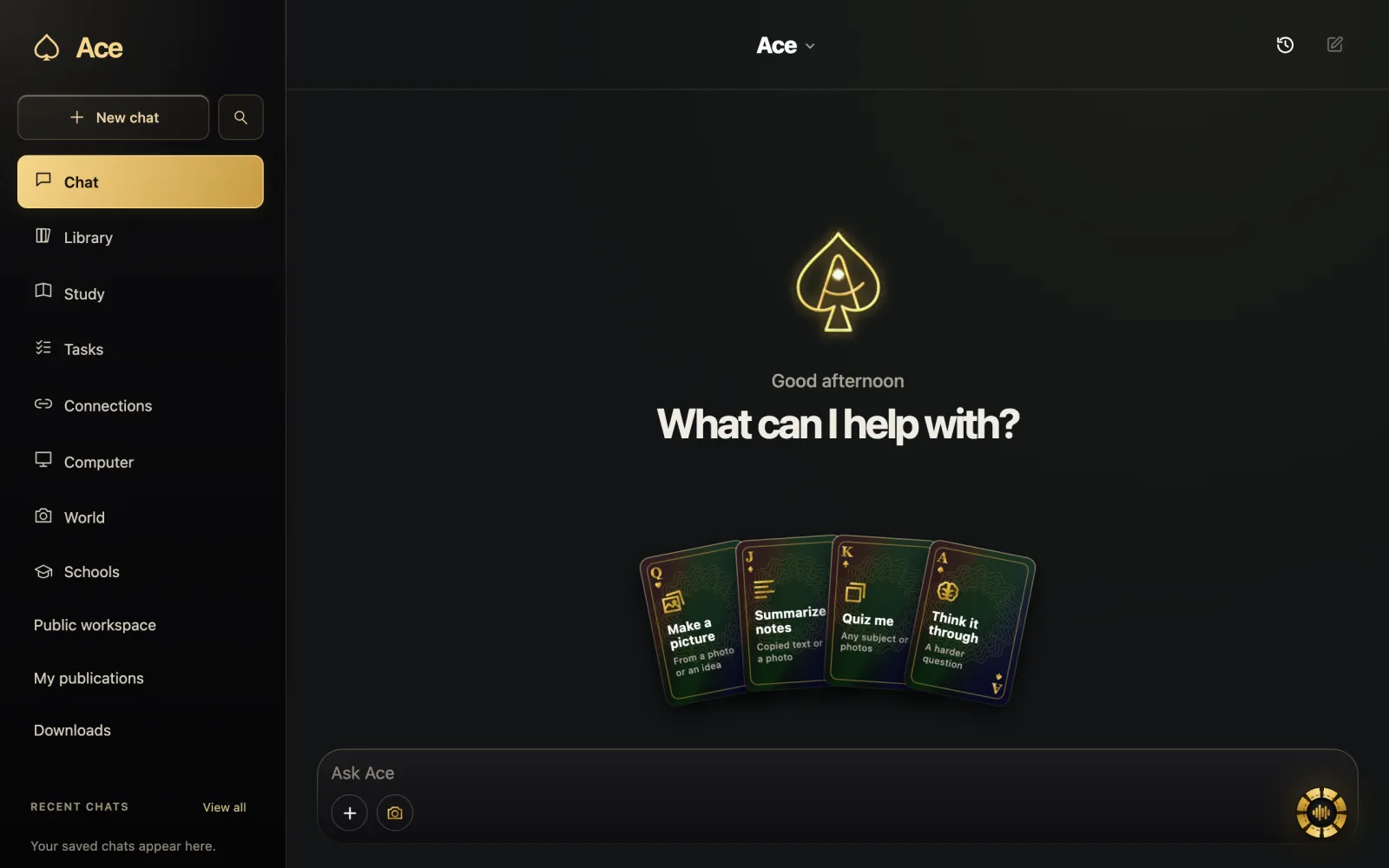
If the image is open on your computer, there is no need to photograph it. The desktop app looks at the screen when you hold its hotkey, Ctrl + Shift on Windows or Command + Shift on a Mac, and ask, so a picture in a browser tab or an email attachment can be asked about where it is.
What happens to a picture you choose
Ace’s privacy policy lists photos, screenshots and camera images you choose among the content it processes, and names OpenAI as the provider that processes the pictures you choose to produce Ace’s answers. Before you send one, crop out what the question does not need: faces, addresses, account numbers, the rest of a group chat. A picture sent is a picture shared, whichever assistant receives it.
When the answer is off
Ask it to quote the text it read; that shows quickly whether the problem is the picture or the reasoning. If it misread, send a closer photo or type the unclear part yourself. If it guessed at an object, ask what in the picture it based that on, and treat any identification that matters as unconfirmed until you have checked it.
Pictures and your balance
Pictures come out of the same balance as everything else in Ace. Free Play starts with 2,000 credits and no card, and Ace’s pricing page notes that voice and images use credits too, with the amount depending on the request, model and service.
More from Ace
The full overview of how Ace helps with your screen is on tryacee.com/ai-on-screen.
Also asked
Can it read text from an image?
Yes, when the text is sharp enough that you could read it yourself. Zoom into the photo or retake it if the words are small.
Can I send a screenshot from my phone?
Yes. Choose it in Ace Mobile the same way as any other picture.
Does Ace keep the pictures I send?
The privacy policy says content you submit is used to produce the answer and kept as needed to provide your account and the features you use. For access or deletion requests, write to privacy@tryacee.com.
Do I need a computer for this?
No. The privacy policy notes that phone chat, hosted voice and selected-image questions can work without a paired computer.
What kinds of pictures can I ask an AI about?
Screenshots, pictures people send you, product photos and slides are all useful. That covers an error message or a confusing bill saved on your phone, a flyer or a menu someone sent, the ingredients list or the instructions on the back of a product, and slides and whiteboards you photographed in a class or a meeting.
Can I keep asking about the same photo without starting over?
Yes. In Ace Mobile, tap Add, choose a photo you already have or take a new one, and ask. Then follow up without starting over, for example “what about the second line?” or “say it more simply”. You can ask each question out loud or type it, in the same conversation.
Is a screenshot better than a photo of my screen?
Yes. A screenshot has every pixel sharp, with no glare and no angle, while a photo of a computer monitor usually reads worse because of reflections, moiré stripes and tilted text. If you have to photograph a screen, turn the brightness up, shoot straight on and fill the frame with the part that matters.
Do I need to photograph an image that is already open on my computer?
No. The desktop app looks at the screen when you hold its hotkey, Ctrl + Shift on Windows or Command + Shift on a Mac, and ask. A picture in a browser tab or an email attachment can be asked about right where it is, so there is no second device or camera involved.
What should I crop out of a photo before sending it to an AI?
Crop out whatever the question does not need: faces, addresses, account numbers and the rest of a group chat. Ace’s privacy policy lists photos, screenshots and camera images you choose among the content it processes, and names OpenAI as the provider that processes them. A picture sent is a picture shared, whichever assistant receives it.
How do I tell whether the AI misread my picture?
Ask it to quote the text it read; that shows quickly whether the problem is the picture or the reasoning. If it misread, send a closer photo or type the unclear part yourself. If it guessed at an object, ask what in the picture it based that on, and treat that identification as unconfirmed until you check it.
Can an AI that sees images identify a product from its photo?
Often, if it is a common, clearly shown object; with a “What is this?” question, watch out for rare items and lookalikes. A brand, a model number or a label in the picture is a better clue than a shape. When the picture runs out, the AI fills gaps with guesses.
Will it summarize a slide I photographed during a meeting?
Yes, when the slide fills most of the photo. Ask “Summarize this slide.” and watch out for glare from the projector. If the slide holds a chart, keep the axis labels and legend in the picture, since “Explain this chart.” works well with them and struggles with cropped legends and unlabeled axes.